

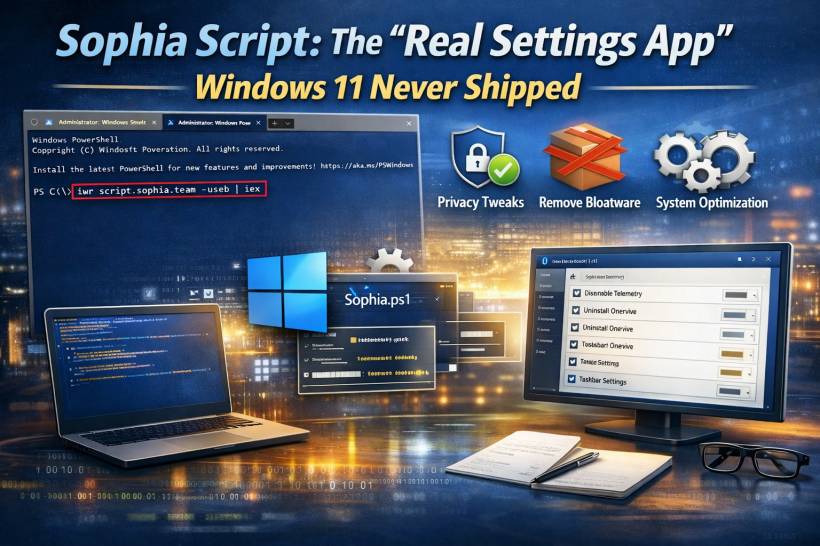
Windows 11 lets you change a lot, but it also has a weird habit of hiding important switches in three different places, while leaving other settings completely locked down. You can tweak some privacy options here, remove a couple of apps there, and maybe find one or two advanced toggles in obscure menus… but you never really feel like you have full control.
That's exactly the gap Sophia Script tries to fill.
What Sophia Script Actually Is (And What It Isn't)
Sophia Script isn't one of those "debloat apps" that you run once and hope nothing breaks. It's an open-source toolkit (built as a PowerShell module) that groups a huge number of Windows tweaks into a structured, transparent set of functions.
Think of it like a power-user control panel made of building blocks.
Instead of clicking a "Recommended Tweaks" button and praying, you choose what changes you want, and the script applies only those specific changes. That design is why many people trust it more than random third-party "optimizer" tools.
Why Power Users Like It So Much
Most debloat tools do a small list of obvious things:
• Toggle a handful of privacy switches
• Maybe change a couple of interface settings
Sophia Script goes much deeper. It targets the stuff people complain about in Windows 11 but struggle to fix cleanly, such as:
Privacy And Telemetry
Windows can collect diagnostic data and enable background services that many users would rather minimize. Sophia Script includes options to reduce telemetry, adjust diagnostic settings, and turn off certain tracking-related behaviors.
Built-In Apps And "Bloat"
Instead of blanket-removing everything, Sophia Script lets you be picky. You can remove specific built-in apps, keep the ones you actually use, and avoid the "oops, now my Start Menu search is weird" situation that some aggressive debloat tools create.
Interface And Usability Tweaks
A lot of Windows 11's annoyances fall into the category of "why can't I just turn this off?" Sophia Script provides ways to adjust interface behaviors, defaults, and UI elements that Microsoft doesn't always expose clearly in Settings.
System Behavior And Optimization
This isn't just about deleting apps. Some functions target background tasks, services, scheduled items, and system behaviors that affect responsiveness, noise, or resource usage.
How It Works Under The Hood
The key idea is modular functions.
Sophia Script is made up of a large collection of individual functions, each responsible for one change (or one small group of related changes). You're not meant to run everything. You're meant to select what matches your preferences.
That selection step is the whole point: the script becomes "your" Windows setup recipe.
The Part People Get Wrong: It's Not A One-Click Tool
Here's the honest truth: Sophia Script is powerful because it expects you to take responsibility.
If you treat it like a one-click debloat button, you might end up with changes you didn't intend. And because it can reach deeper system settings, "I didn't mean to disable that" can be a real headache.
The best way to approach it is:
• Enable only the functions that match that goal
• Understand each change before you apply it
If you're not comfortable doing that, Sophia Script might still be useful, but you should use it very cautiously.
Presets vs Running Individual Tweaks
People usually use Sophia Script in two styles:
1) Preset Setup (The "New PC" Approach)
You create a customized preset that matches your preferences, then apply it after installing Windows 11. This is popular for fresh installs because it saves time and keeps your setup consistent.
2) Individual Functions (The "Fix One Thing" Approach)
Instead of changing everything at once, you run a single function to adjust one specific setting. This is the safer approach for most people because you can see exactly what changed and verify the result before doing anything else.
A Practical Safety Mindset Before You Touch Anything
If you're going to use a tool like this, a few habits will save you from regret:
• Avoid enabling "everything" just because it's there
• Make changes in small batches, then test
• Keep notes of what you changed (future-you will thank you)
Also, if your Windows setup is tied to school or work policies (device management, security baselines, company apps), heavy debloating can cause unexpected issues. In those cases, less is more.
Final Thoughts
Sophia Script is basically for people who want Windows 11 to behave like their computer, not Microsoft's suggestion of their computer. It's powerful, transparent, and genuinely useful… but it's not meant to be casual.
If you want, tell me what your goal is (privacy-only, remove preinstalled apps, speed up boot, reduce background noise, or "make Windows 11 less annoying"), and I'll suggest a safe, sensible set of categories to focus on without giving you risky one-liner commands.











Comments