

For years, PC users were happy to pay for software that made life easier — screenshot tools, PDF editors, password managers, antivirus apps, and of course, Microsoft Office. And back then, those purchases made perfect sense. The paid apps were simply better.
But things have changed. A lot.
Modern Windows and the open-source community have caught up in a big way. Today, many of the apps we used to depend on have free replacements that do the job just as well, sometimes even better. The biggest difference? They don't trap you in yet another subscription.
Let's break down the five popular paid apps where the free options are now the smarter choice.
1. SnagIt When a free screenshot tool is more than enough
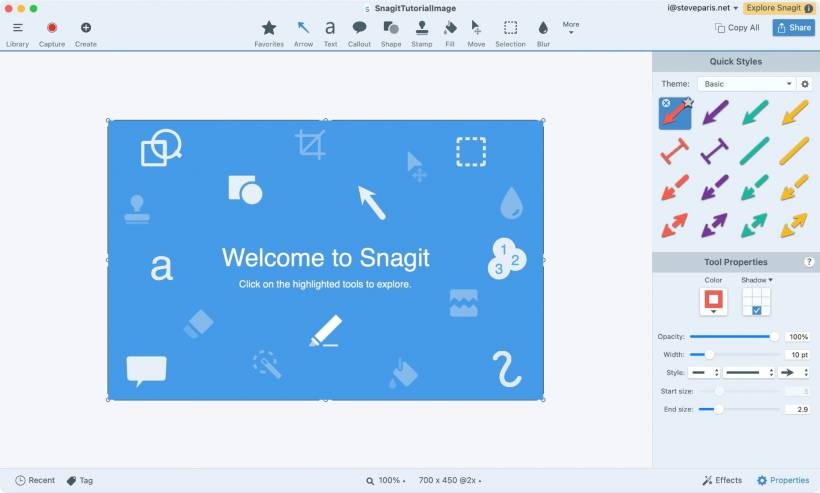
SnagIt built its reputation as the "power user's" screenshot tool. It could capture scrolling pages, annotate images beautifully, record your screen, and even generate step-by-step guides automatically. For years, nothing else came close.
But with a $39 annual subscription, it's fair to ask: is it still worth it?
Windows' own Snipping Tool has quietly grown into a legitimate rival. It now supports screen recording, basic text extraction, annotations, and more. For most people — especially casual users — that's more than enough.
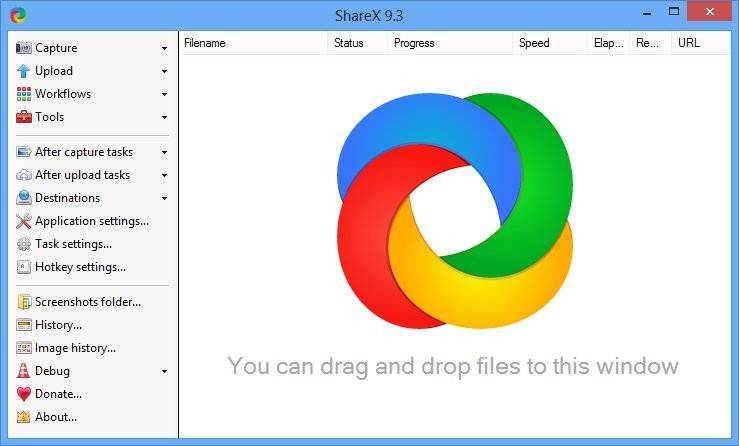
If you need SnagIt-level features without SnagIt-level pricing, ShareX is the go-to choice. It's:
Unless your workflow relies heavily on SnagIt's niche features, the free options have already caught up.
2. Microsoft Office The world has more than one office suite now
Microsoft Office is practically synonymous with productivity. Word, Excel, and PowerPoint are industry standards — no argument there.
But do you really need to pay RM400+ (or a subscription every year) to get work done?
Unless you rely on advanced Excel functions, macros, or extremely specific formatting, the free productivity suites available today do the job beautifully:
LibreOffice
A powerful open-source suite with offline apps equivalent to Word, Excel, and PowerPoint. It opens and saves Office documents with very few issues.
Google Workspace (Docs, Sheets, Slides)
Perfect for online work, teamwork, and auto-saving. Runs in any browser, no installation needed.
The truth? Most everyday users, students, and even office workers can get by with free options without feeling like they're missing out.
3. 1Password A premium password manager… with free rivals that do the same thing
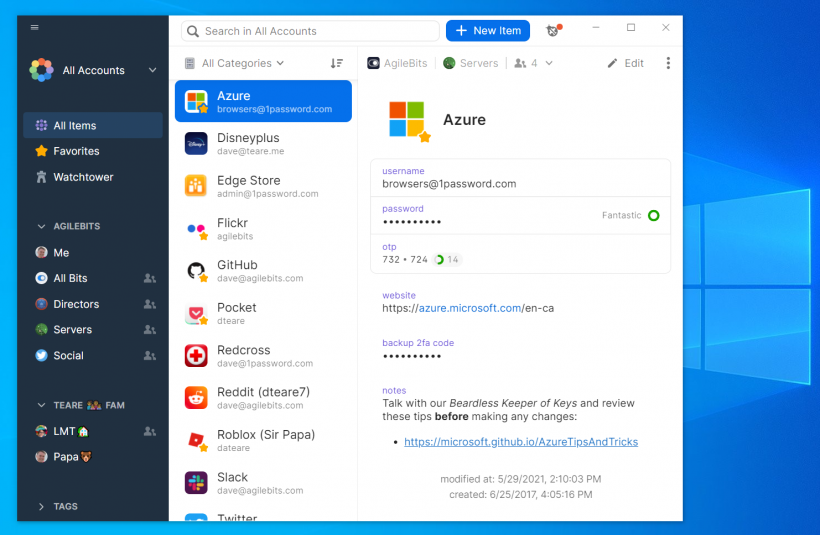
1Password is smooth. It looks great, works everywhere, syncs instantly, and includes breach alerts and secure sharing. It's easily one of the best password managers — but at $36 a year, the question becomes: do you need to pay for something that free apps already do extremely well?
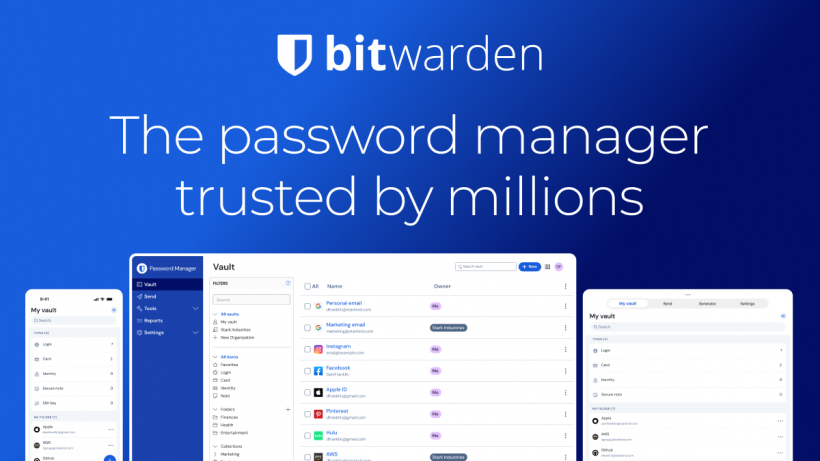
That's where Bitwarden enters the chat.
It's:
Bitwarden does 90% of what 1Password does, for RM0. And if you want the premium features, it's just $10/year, not $36.
Prefer something you can keep entirely offline? KeePassXC is perfect for users who want full control of their vault with no cloud involved.
4. Adobe Acrobat Yes, you can edit PDFs without paying Adobe
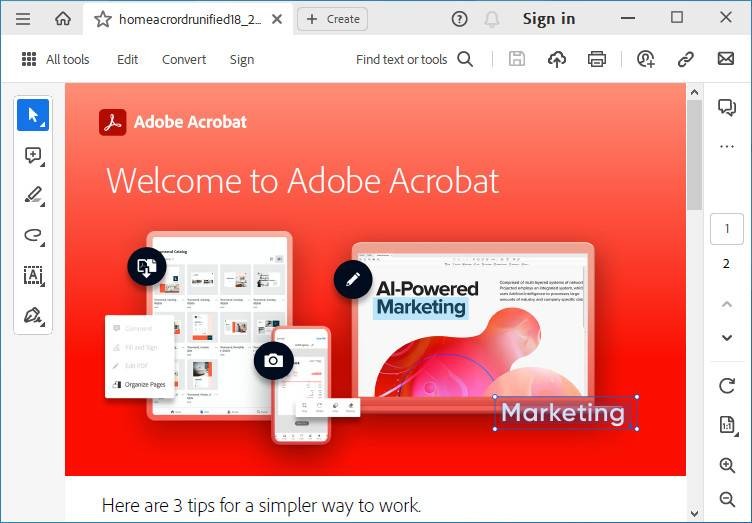
Adobe Acrobat has long been the "default" when you need to fill forms, annotate documents, or convert formats. It's polished, powerful, and tightly integrated into Adobe's ecosystem.
But it's also expensive — and Adobe loves pushing subscriptions.
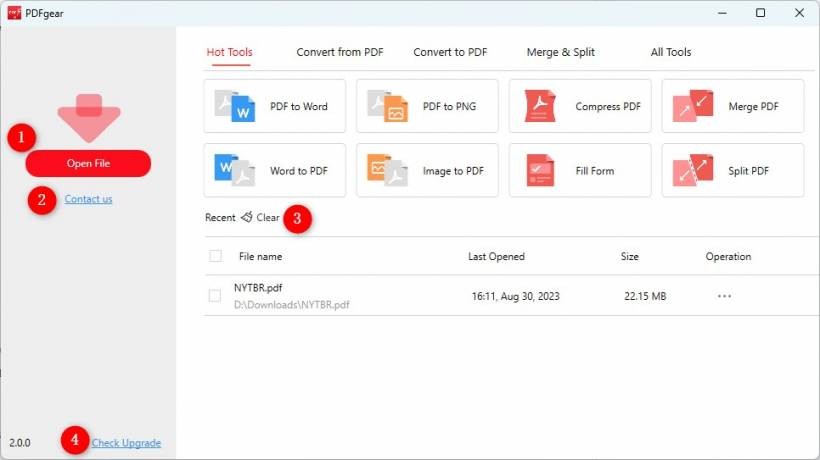
Free PDF editors have improved dramatically, and PDFGear is one of the standouts. It allows you to:
PDFGear is also available on mobile, which makes quick edits on the go surprisingly convenient.
Unless you're working in a profession that needs Acrobat's specialized tools (legal, publishing, etc.), a free editor will cover almost everything.

5. McAfee Modern Windows doesn't need third-party antivirus
A decade ago, installing antivirus software the moment you booted a new PC was common sense. And companies like McAfee were everywhere — often bundled with your laptop, waiting to lure you into a yearly subscription once the trial expired.
But Microsoft's built-in protection has grown up.
Windows Security now includes:
For the average user, Windows Security offers all the core protection you need, for free, without pop-ups or subscription nags.
McAfee still has a place if you want extras like VPNs, parental controls, or identity monitoring — but if your goal is simply "don't get infected", you're already covered.
Final Thoughts Paying isn't the problem — paying unnecessarily is
Good software deserves support. Paid apps like SnagIt, 1Password, and Acrobat are genuinely well-designed products. But we're now in a time where free software has become powerful, polished, and easy to use.
If a subscription genuinely improves your productivity or workflow — go for it.
But if you're only paying because you didn't know there were alternatives, it might be time to try something new.
Just because we've always paid for certain apps doesn't mean we still have to.











Comments