

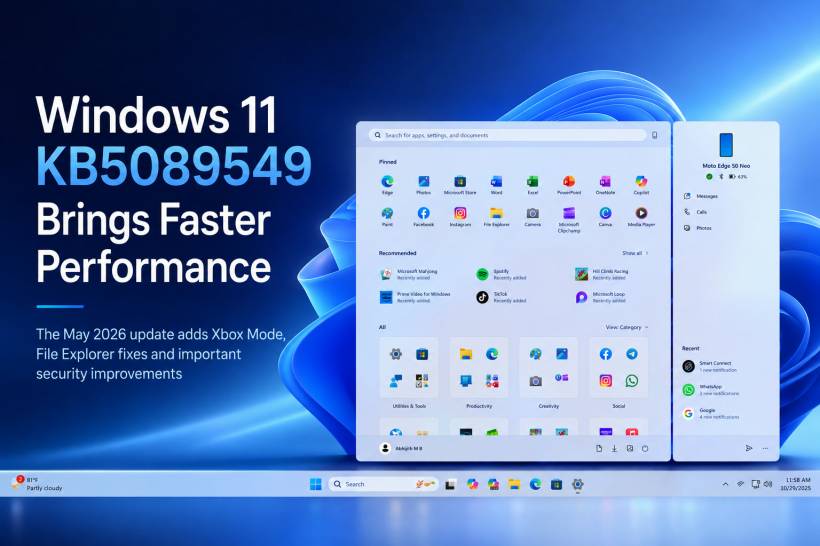
Microsoft has started rolling out Windows 11 KB5089549, the May 2026 Patch Tuesday update, and this one is more than just another routine security release. While Patch Tuesday updates usually focus on bug fixes and protection, this update also brings several noticeable improvements to Windows 11, including better performance, File Explorer fixes, Xbox Mode, storage improvements, and important Secure Boot changes.
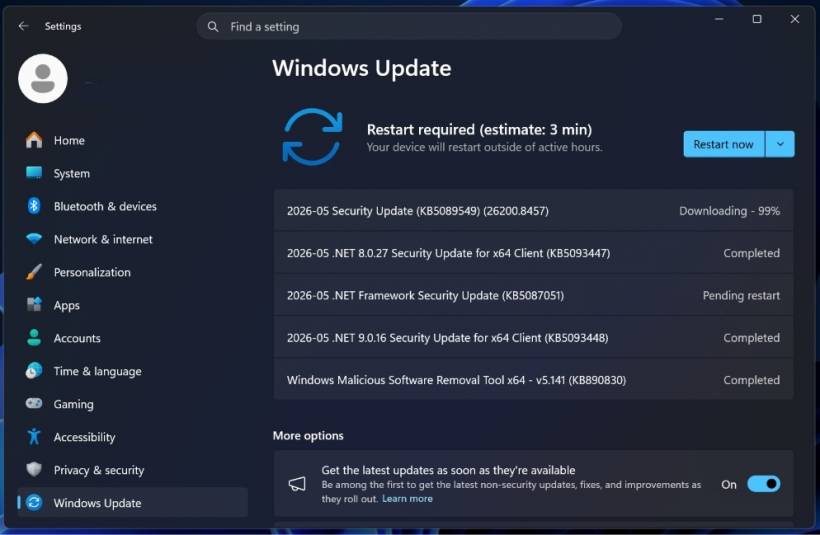
The update is mandatory, so it will install automatically unless Windows Update is paused. For Windows 11 25H2, it updates the system to Build 26200.8455, while Windows 11 24H2 moves to Build 26100.8455. Microsoft has also released related .NET security updates alongside this Patch Tuesday rollout.
A Bigger Update Than Usual
At first glance, KB5089549 may look like another monthly security update, but it actually includes a good number of user-facing changes. Some features may not appear immediately because Microsoft is using its usual controlled rollout approach. That means certain improvements may arrive gradually unless you have enabled the option to receive the latest updates as soon as they are available.
For users who prefer manual installation, Microsoft has also made offline installers available through the Microsoft Update Catalog. However, these packages are quite large, with the x64 version sitting at several gigabytes, so most users are better off installing through Windows Update unless they specifically need the offline installer.
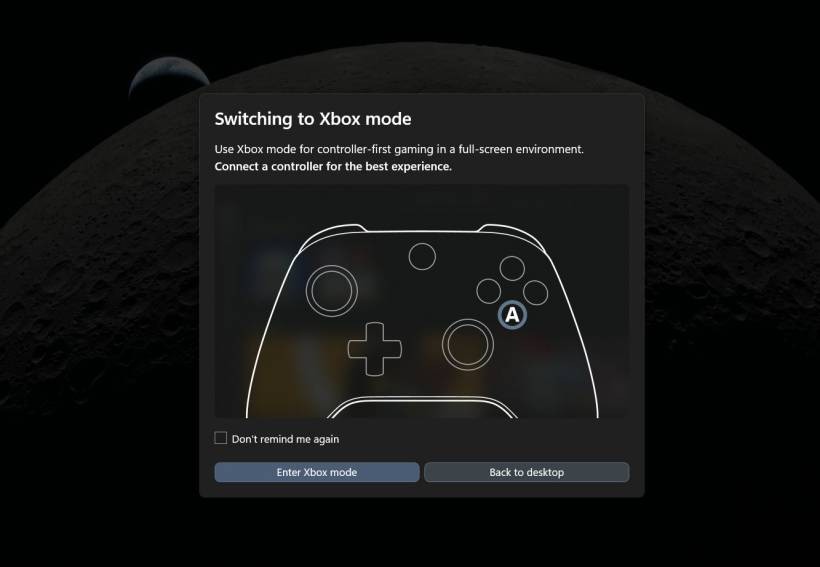
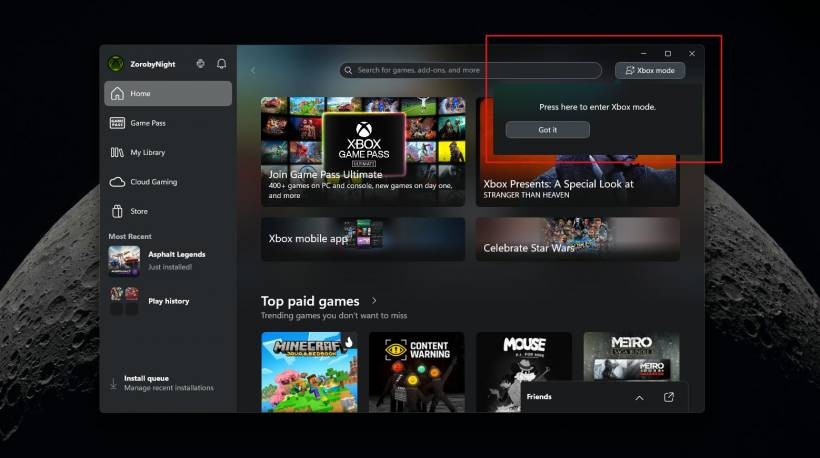
Xbox Mode Turns Windows 11 Into A More Console-Like Experience
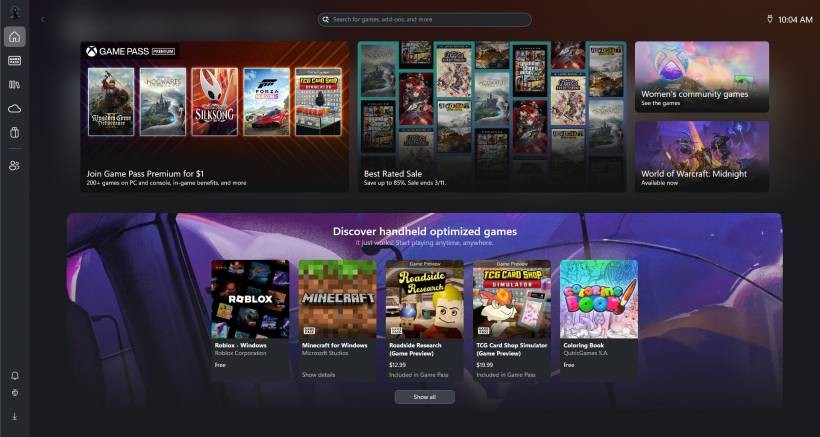
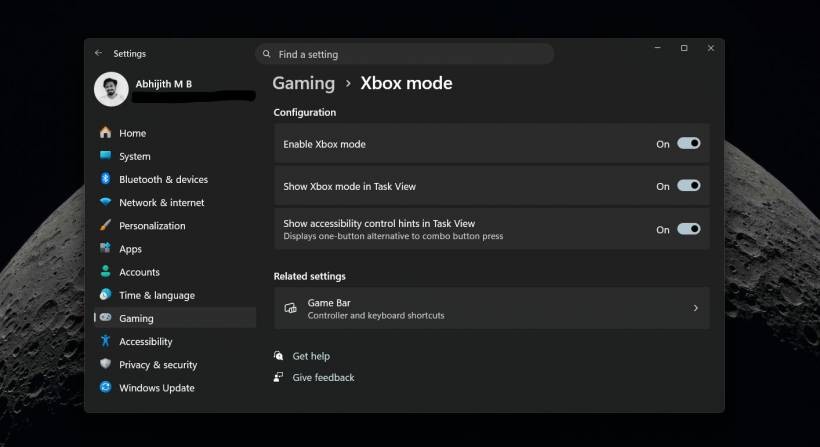
One of the most interesting additions in this update is Xbox Mode. This new mode is designed to give Windows 11 a more console-like gaming interface, especially for users who connect their PC or handheld gaming device to a TV.
Instead of navigating through the usual Windows desktop, Xbox Mode creates a cleaner full-screen experience focused on your game library. The desktop, taskbar, and regular distractions are pushed out of the way, making the PC feel closer to an Xbox-style interface.
This should be especially useful for handheld gaming PCs, living room setups, and users who prefer gaming with a controller. It is not really designed for keyboard and mouse use, so a controller is almost required to make the experience comfortable. Microsoft says the mode can also help reduce background distractions and improve RAM usage during gaming.
File Explorer Finally Gets Some Welcome Fixes
File Explorer has been one of the more frustrating parts of Windows 11 for many users, especially since the modern interface changes. KB5089549 includes several improvements that should make it feel more reliable.
One of the most welcome fixes is for the annoying white flash in dark mode. Previously, opening certain File Explorer windows or resizing panels could briefly show a bright white flash before the dark theme loaded properly. This was especially irritating in low-light environments. With this update, that issue has reportedly been fixed.
Microsoft has also improved how File Explorer remembers View and Sort preferences. This means your folder layout choices should remain more consistent, even when folders are opened through third-party apps. On top of that, File Explorer now supports more archive formats natively, including uu, cpio, xar, and NuGet packages, reducing the need for extra extraction tools in some cases.
Better Input, Voice Typing And Haptics
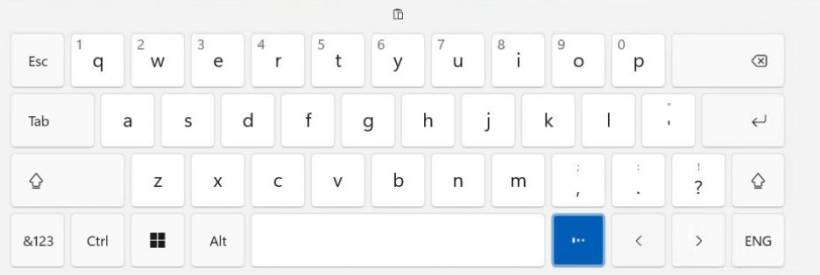
KB5089549 also improves the way users interact with Windows 11 through touch, pen, keyboard, and voice. Devices that support haptic feedback can now provide physical responses during certain actions, such as snapping windows or aligning objects.
Voice typing has also been cleaned up. Instead of showing a large full-screen overlay, the updated design keeps the listening animation closer to the dictation key, making it less distracting while typing. This is a small change, but it makes voice input feel more natural and less intrusive.
There are also improvements for certain keyboard layouts, including the return of the Arabic 101 Legacy keyboard layout and fixes for emoji panel navigation.
Taskbar Agents And A Less Distracting Drop Tray
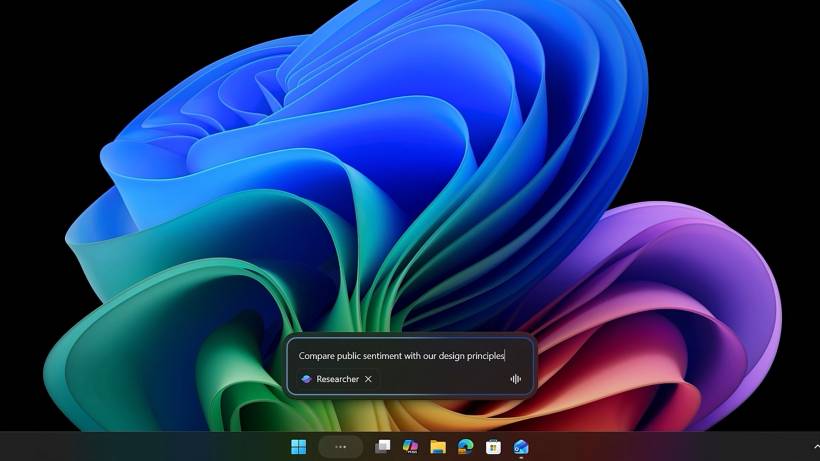
Microsoft is also preparing the Windows 11 taskbar for more AI-related background activity. The update introduces a new "Agents on Taskbar" API, allowing long-running AI tasks to show progress directly on the taskbar.
For example, Microsoft 365 Copilot's Researcher agent can continue working in the background while showing its progress through the taskbar. Once the task is complete, Windows can notify the user and take them back to the result.
Another smaller but useful change is the renamed Drop Tray, previously known as Drag Tray. It now uses a smaller peek view, which should reduce accidental activation when the mouse moves near the top of the screen.
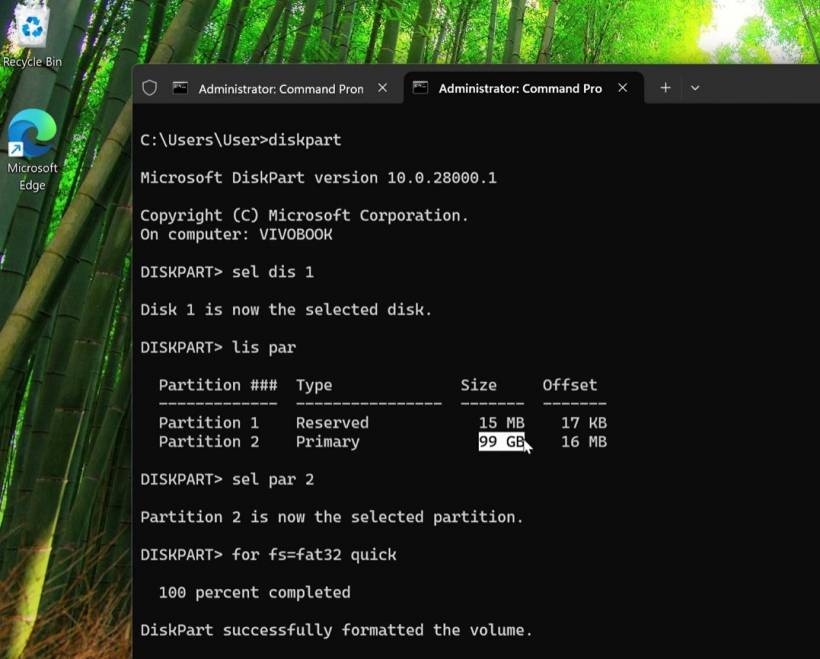
FAT32 Finally Moves Beyond The Old 32GB Limit
One of the more surprising changes is the removal of the long-standing 32GB FAT32 formatting limit in Windows. For decades, Windows limited FAT32 formatting to 32GB, even though the file system itself could support larger volumes.
With this update, users can now format FAT32 volumes up to 2TB from the command line. While NTFS and exFAT remain better choices for most modern storage needs, FAT32 is still useful for compatibility with older devices, cameras, media players, and certain external hardware.
Microsoft has also improved the performance of the modern Storage settings page, especially for systems with large drives or multiple disks. This should make the Disks and Volumes section load faster and feel less sluggish.
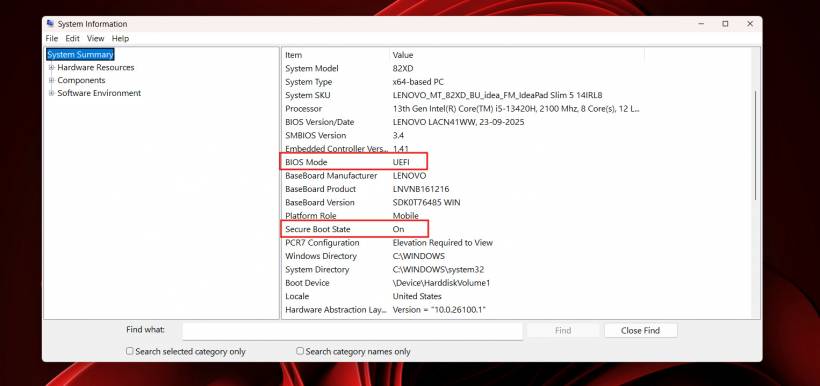
Important Security Changes For Secure Boot And Drivers
As expected from a Patch Tuesday update, security is a major part of KB5089549. One of the most important areas involves Secure Boot certificates. Microsoft has warned that many Windows devices rely on Secure Boot certificates that begin expiring from June 2026, so this update helps prepare systems with updated certificate handling.
There are also stricter rules for third-party drivers. Microsoft is moving away from trusting certain cross-signed drivers by default and is pushing more drivers through the Windows Hardware Compatibility Program. This is part of its broader "secure by default" approach.
For enterprise environments, there are also new controls for batch files, app removal policies, Enterprise State Roaming, and improved event logging for smart card certificate-related issues. These may not affect casual home users directly, but they are important for IT adminis
General Performance And Reliability Improvements
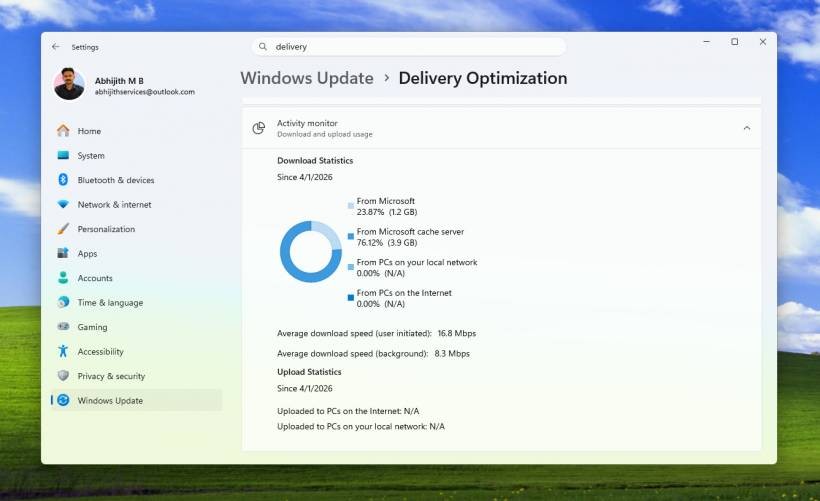
Beyond the headline features, this update includes a long list of smaller fixes. Delivery Optimization has received a memory leak fix, which is important because background update services can sometimes consume more RAM than expected.
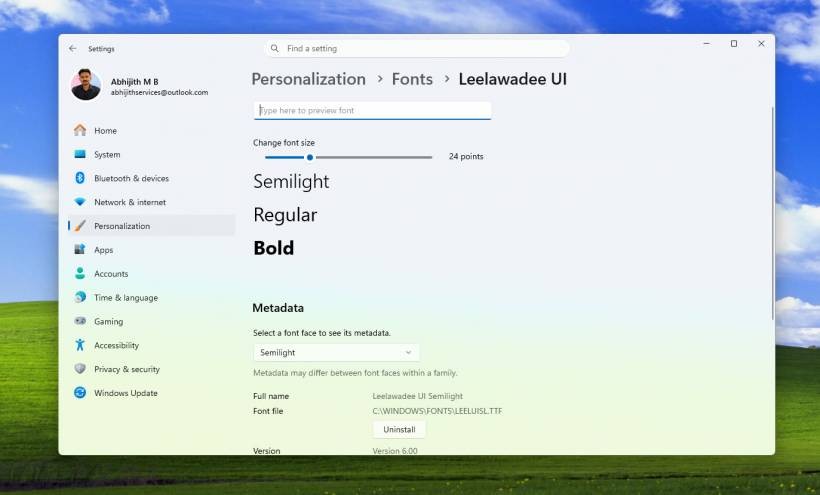
The Microsoft Store also gets fixes for several installation errors, while Windows Hello has been improved for fingerprint and face recognition reliability. Remote Desktop, audio compatibility, printer settings, fonts, display colour profiles, kiosk mode, startup apps, taskbar loading, and system tray reliability also receive improvements.
For everyday users, these changes may not all be immediately obvious, but together they should make Windows 11 feel smoother, more stable, and less annoying in small but meaningful ways.
Final Thoughts
Windows 11 KB5089549 is a fairly important update, not just because it includes security fixes, but because it also brings several quality-of-life improvements. Xbox Mode is the most visible new feature for gamers, while File Explorer fixes, faster storage settings, better input handling, and general performance improvements should benefit a wider group of users.
The Secure Boot and driver changes also make this update important from a security perspective. While it is always wise to give major updates a little time if you are managing critical machines, most regular Windows 11 users should eventually install KB5089549 rather than delay it for too long.











Comments