

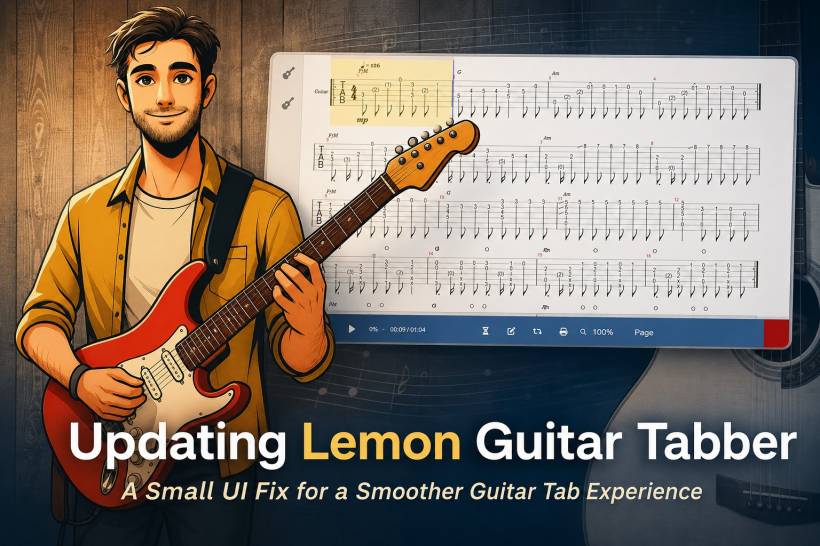
Sometimes, the smallest interface issue can make a web application feel a little unfinished, even when the actual feature behind it is working perfectly. That was exactly the case with my current Lemon Guitar Tabber web application. The guitar tab was loading correctly, the AlphaTab player was rendering the music sheet, and playback worked fine once the Play button was clicked. However, there was one odd behaviour that stood out: after loading a guitar tab, the mouse pointer continued to show the loading cursor.
At first glance, this kind of issue can make it look like the page is still doing something in the background. For users, that can be slightly confusing because a loading cursor usually suggests that the application is busy, incomplete, or waiting for something to finish. In reality, the guitar tab had already loaded properly, and the player was already functional. The problem was not with the tab file itself, the PHP logic, or the playback engine. It was simply a small front-end state issue.
What Was Happening
The Lemon Guitar Tabber application uses AlphaTab to render Guitar Pro files directly in the browser. The PHP side handles the selected file key and loads the matching Guitar Pro file URL, while the JavaScript side initializes AlphaTab, displays the loading overlay, renders the score, and enables playback controls. The main function was already working as expected. The selected tab loaded, the sheet appeared, and clicking Play started the audio correctly.
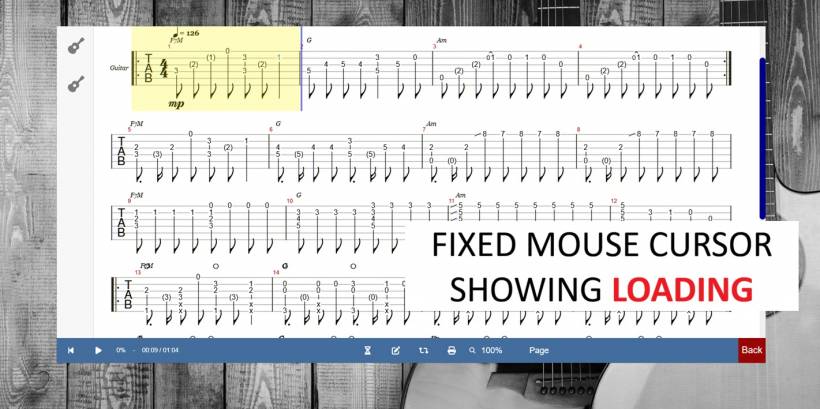
The strange loading cursor came from the control buttons still having the disabled class after the music sheet finished rendering. In the CSS, that disabled class was set to use cursor: progress, which tells the browser to display a loading-style mouse pointer. Since the class was never removed after the render completed, the button still visually behaved like it was loading, even though it was already usable.
Why This Matters
This is a good example of how application polish is not always about adding big new features. Sometimes, it is about making sure the visual feedback matches the actual state of the application. If a button works, it should not look like it is still waiting. If the music sheet has finished loading, the interface should stop telling the user that loading is still happening.
For a web-based guitar tab player, this matters even more because users interact with the controls immediately after loading a song. They may want to press Play, stop playback, change zoom, switch layout, or browse tracks. If the cursor keeps showing a loading state, it creates unnecessary doubt. The application may technically work, but the user experience feels slightly off.
The Fix
The update is simple but useful. Once AlphaTab finishes rendering the guitar tab, the application now hides the loading overlay and removes the disabled state from the Play and Stop controls. This allows the mouse cursor to return to its normal behaviour and makes the player feel properly ready for interaction.
The CSS can also be improved by avoiding cursor: progress on disabled controls unless the button is genuinely waiting for a process to complete. A normal cursor or default cursor is usually better for this type of interface, especially if the control is only visually dimmed during the initial loading stage.
A Small Update With a Cleaner Result
This update does not change the core purpose of Lemon Guitar Tabber, but it improves how the application feels. The player already allowed guitar tabs to be loaded and played directly in the browser, but now the interface communicates its state more clearly. When the music sheet is loading, the user sees the loading overlay. When loading is complete, the controls look and feel ready.
It is a small detail, but these are the kinds of details that make a custom web application feel more reliable. A loading cursor that refuses to disappear may not break the app, but it can make users question whether something is still running or stuck. Fixing it helps keep the experience smooth, direct, and more professional.
Improving Lemon Guitar Tabber Step By Step
Lemon Guitar Tabber continues to be a practical web-based tool for viewing and playing Guitar Pro tabs online. Instead of depending entirely on desktop software, users can load supported guitar tab files through the browser and interact with the notation in a more accessible way. This fits nicely into the broader direction of Lemon Web Solutions, where small web tools are built to solve real usage needs in a simple and direct manner.
This update is another reminder that web application development is often a continuous process of observation and refinement. A feature may work correctly from a technical point of view, but real usage can reveal small behaviours that need adjustment. In this case, the fix was not about rebuilding the player or changing the PHP structure. It was about cleaning up the visual state of the controls after the tab finished loading.
Final Thoughts
The latest Lemon Guitar Tabber update is a small but meaningful improvement. The guitar tabs were already loading and playing correctly, but the lingering loading cursor created the impression that something was still incomplete. By removing the disabled state after rendering and adjusting the cursor behaviour, the application now feels cleaner and more responsive.
Small fixes like this may not sound dramatic, but they are important in making a web application feel polished. A good tool should not only work correctly behind the scenes; it should also communicate clearly with the user. With this update, Lemon Guitar Tabber becomes a little smoother, a little cleaner, and a little more comfortable to use.











Comments 0