

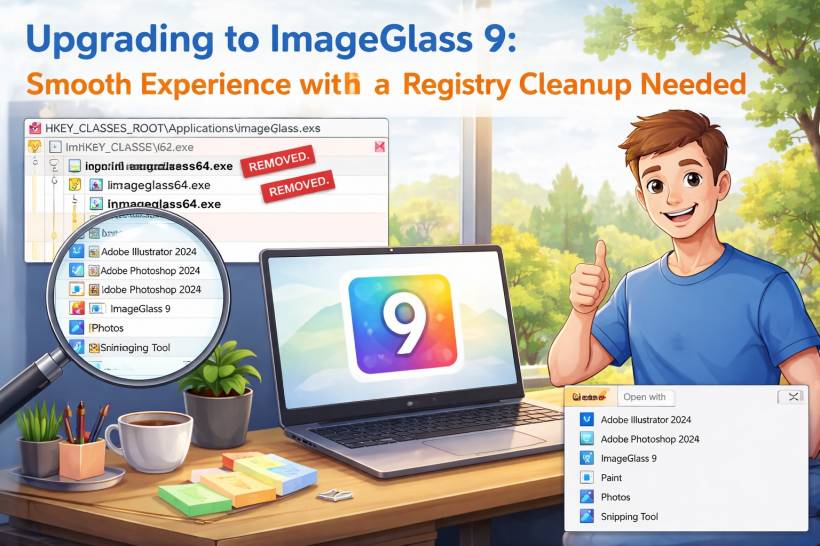
Recently, I decided to upgrade from the free version of ImageGlass to the paid ImageGlass 9. I've been using ImageGlass for quite some time now, and overall, it has always been a fast, lightweight, and dependable image viewer on Windows. The decision to support the project by purchasing the upgrade felt like a natural step.
The good news first: the upgrade itself went smoothly. ImageGlass 9 installed without issues, launched perfectly, and performed exactly as expected. Image loading is fast, the interface is clean, and everything works as advertised. From a day-to-day usage perspective, it's a solid and polished product.
The Unexpected Leftover After Uninstall
However, after uninstalling the old free version and switching fully to ImageGlass 9, I noticed something odd. When right-clicking on image files and opening the "Open with" menu, the old ImageGlass entries were still there. This happened across multiple image formats, not just one or two.
At first glance, this feels confusing. From a user perspective, the old version is gone, the new version is installed, yet Windows still thinks the previous ImageGlass executable exists. This can make the system feel a little untidy, especially for users who care about keeping their environment clean and predictable.
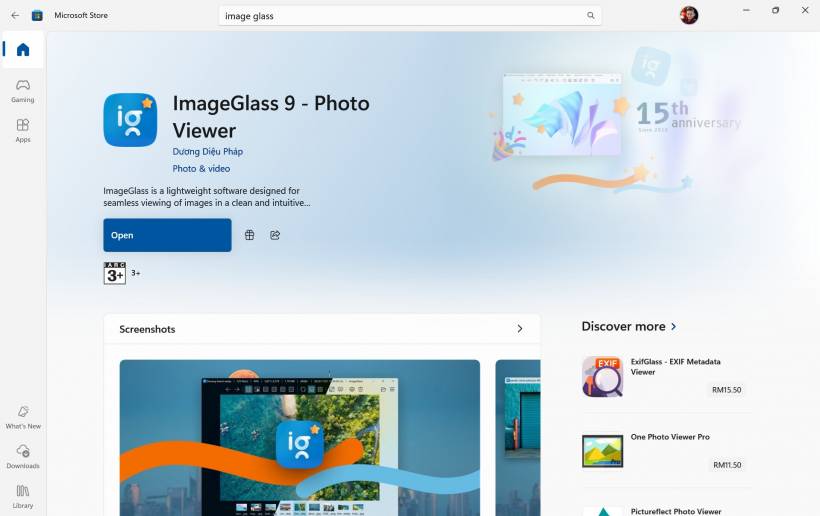
Why This Happens
It turns out the issue isn't with ImageGlass 9 itself, but with leftover application registration entries in the Windows registry. Windows does not always remove these automatically during uninstall, especially under the global "Applications" registration used by the "Open with" menu.
As a result, even though the software is no longer installed, Windows continues to list it as an available option.
Manual Cleanup Was Required
In my case, the fix required manually removing the old ImageGlass application entries from the registry. Once those orphaned entries were removed, the problem disappeared instantly. The "Open with" menu was clean again, and only the correct ImageGlass 9 entry remained.
This isn't difficult for technical users, but it's definitely not something the average user would feel comfortable doing. Editing the registry is not something most people expect to do after upgrading an app.
A Small Suggestion for an Otherwise Great Product
This is where I think the ImageGlass developer could improve an already very good product. A cleanup step during uninstall or upgrade that removes old application registrations would prevent this situation entirely. Even a simple optional cleanup prompt would go a long way.
That said, this is a minor issue in the bigger picture. ImageGlass 9 itself works flawlessly, feels refined, and remains one of the best lightweight image viewers available on Windows today.
Final Thoughts
Overall, I'm very happy with the upgrade to ImageGlass 9. The performance, design, and usability are exactly why I chose to support the project in the first place. The leftover registry entries are a small blemish on an otherwise excellent experience, and hopefully something that can be addressed in future releases.
If anything, this experience reinforces that ImageGlass is a well-built product worth using, and worth supporting, with just a bit of polish needed around the upgrade and uninstall process.











Comments