

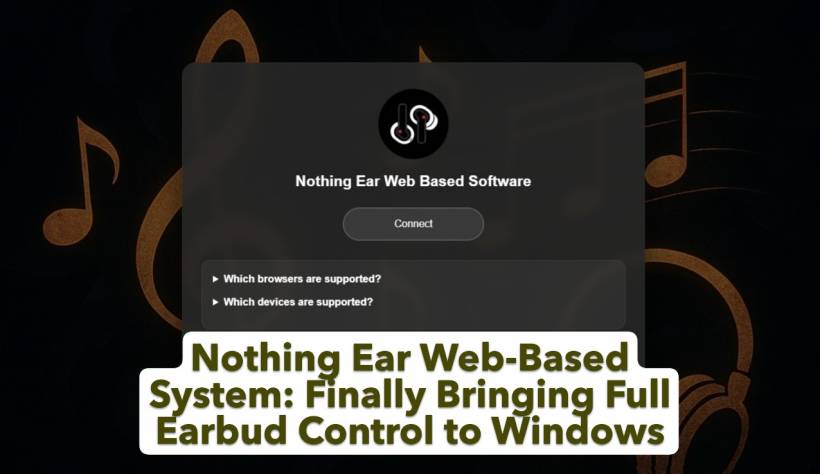
One of the biggest gaps in the Nothing ecosystem today isn't hardware quality — it's software support on Windows. This became very clear to me after I recently purchased the Nothing Ear (ceramic) 2024, model B171. The earbuds themselves are excellent, but what truly stood out was how incomplete the experience felt on Windows… until I discovered the Nothing Ear Web-Based System.
This web-based solution effectively fills the missing software gap for Windows users and transforms how Nothing Ear devices can be used on desktop and tablet environments.
Why a Web-Based System Matters for Windows Users
My primary use case for the Nothing Ear is my Surface Pro running Windows 11. I use it mostly for casual music listening, Microsoft Teams meetings, and watching YouTube or movies. At home, my main desktop already handles serious audio duties through a dedicated sound system, so the earbuds were always meant to complement my mobile-style Windows workflow.
The hardware delivered exactly what I expected: good sound quality, solid call performance, and comfortable long-term wear. What it didn't deliver was software.
On Android and iOS, Nothing provides a polished companion app with noise control, EQ settings, gesture customization, and battery visibility. On Windows, none of that exists. For a premium product, this absence is hard to ignore — and that's where the Nothing Ear Web-Based System becomes essential.
Nothing Ear Web-Based System: Filling the Software Void
Instead of waiting for an official Windows application that may never arrive, the Nothing Ear Web-Based System takes a smarter route. It leverages modern browser capabilities to deliver a fully functional control interface directly through the web.
Once opened, the system allows Windows users to access features that were previously exclusive to mobile platforms. There's no need to install Android emulators, switch devices, or rely on guesswork. The browser becomes the control center.
Because it's web-based, the system is lightweight, fast, and requires no account or background services. It simply works where Windows users already spend most of their time.
Centralized Control on a Bigger Screen
What immediately stands out about the Nothing Ear Web-Based System is how much easier it is to manage everything on a desktop-class interface. Battery percentages for each earbud are clearly displayed, making it easy to monitor usage throughout the day. Audio customization is also far more precise on a larger screen, especially when working with equalizer settings.
The system supports standard EQ presets, a custom equalizer, and advanced EQ options on compatible devices. This makes tuning your sound profile far more intuitive than doing it on a small phone screen.


Noise Control, Bass Enhance, and ANC — All Accessible on Windows
One of the most frustrating limitations of using Nothing Ear on Windows without software is the inability to manage noise control. The Nothing Ear Web-Based System restores that control completely.
Users can toggle Active Noise Cancellation, adjust bass enhancement, and manage personalized ANC options where supported. This is especially useful for users who move between quiet home environments and noisier workspaces throughout the day.
Practical Everyday Features That Complete the Experience
Beyond audio tuning, the system exposes features that make daily usage smoother. In-ear detection, low latency mode for video playback, firmware version visibility, and ear tip fit tests are all available directly from the interface.
Gesture customization is also supported on compatible devices, allowing users to tailor how taps and presses behave. There's even a Find My Earbuds function, which is invaluable the moment an earbud goes missing.
For Nothing ear (1) users, the system also displays the case battery status LED, offering additional insight that's typically hidden on Windows.
Designed as a Desktop-First Solution
What makes the Nothing Ear Web-Based System particularly compelling is that it doesn't feel like a mobile app awkwardly repurposed for desktop use. It's clearly designed with desktop and tablet users in mind.
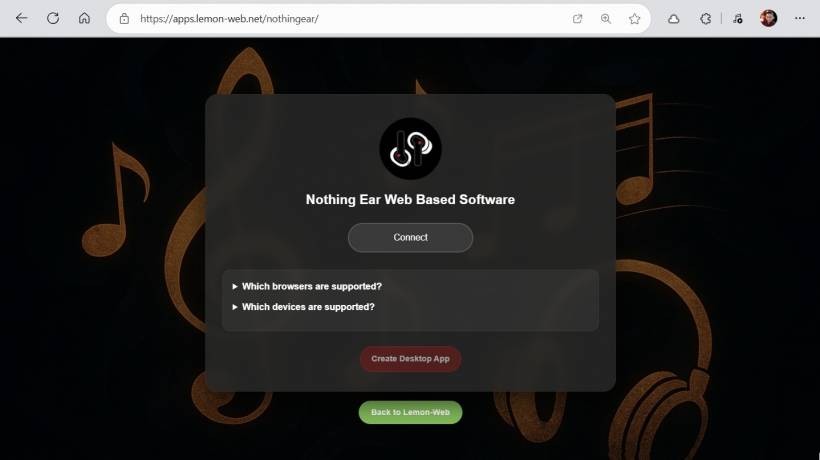
For those who want an even more native feel, the system can be installed as a desktop app using modern browser features. Once installed, it launches like a standalone application and stays separate from browser tabs, making it feel like the official Windows companion app Nothing never shipped.
Supported Devices
The Nothing Ear Web-Based System supports a wide range of Nothing and CMF earbuds, including:
Nothing ear (stick)
Nothing ear (2)
Nothing Ear
CMF Buds
CMF Buds Pro
CMF Buds Pro 2
This broad compatibility makes it useful across multiple generations of Nothing audio products.
Final Thoughts
The Nothing Ear Web-Based System doesn't just compensate for the lack of an official Windows app — it redefines what Windows support for Nothing earbuds can look like. By delivering full control through the browser and optional desktop installation, it restores features that Windows users were missing and presents them in a clean, practical interface.
For anyone using Nothing or CMF earbuds on Windows, especially on devices like the Surface Pro, this web-based system feels less like a workaround and more like the solution that should have existed from the beginning.











Comments 0